LESS WEIGHT. YOUR TARGET.
Compress JPEG to 100KB
Upload a JPEG and set the target to 100KB. PicUplift compresses it in your browser — no upload, no signup — and shows the exact output size before you download. Most photos stay sharp at 100KB; the tool lowers quality only as far as needed and tells you the final size.
100% free · No signup · No uploads
No file-size caps. No conversion quotas. Actual capacity depends on your device’s memory and browser. Large batches are processed one image at a time.
01 / YOUR IMAGES
Bring your images.
Drop images here
or choose multiple files from your device
JPG / PNG / WebP · Target: 100KB
Files are processed only in your browser — nothing is uploaded.
Adding more images resets previous results. Originals stay untouched.
Static images only. Animated WebP/PNG becomes its first frame; a multi-image HEIC uses its primary image. Camera metadata is not copied. Color and HDR appearance may differ.
02 / YOUR RESULTS
Ready when you are.
Your images stay here.
Choose your files, adjust the settings, then start. Previews, file sizes, and downloads will appear here.
100% free · No signup · No uploadsTotals compare successful files only. Savings are not guaranteed.
ZIP includes successful conversions only. Very large archives may exceed ZIP or device limits; individual downloads remain available.
SEE THE OUTPUT
A real conversion, side by side.

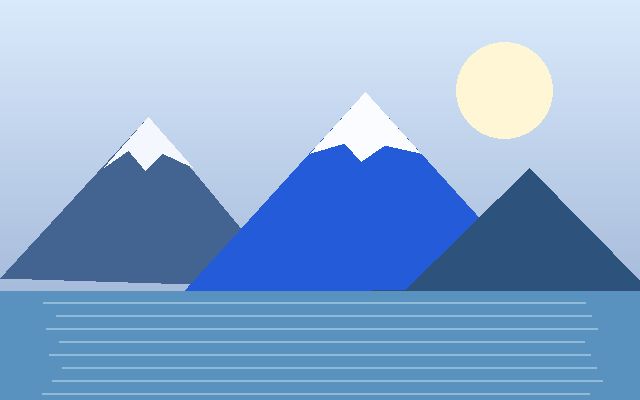
Actual browser conversion of the bundled illustration: 53,067-byte JPG → 15,875-byte JPG at 80% quality. This is one sample, not a promised saving for your images.
THREE SIMPLE STEPS
A lighter workflow.
Choose your images.
Add JPG, PNG, or WebP files; every image is processed locally.
Set your target.
100KB is selected. Adjust the target or dimensions if needed. PNG inputs become JPG.
Preview and save.
Check the actual size, quality, and dimensions. Download each image or the batch ZIP.
WHY PICUPLIFT
A quick comparison.
| Feature | PicUplift | Typical online converters |
|---|---|---|
| No signup needed | ✓ | ✗ |
| No file-size or count limits | ✓ | ✗ |
| Files never leave your device | ✓ | ✗ |
| Camera metadata stripped | ✓ | — |
| Free forever, no watermark | ✓ | ✗ |
Swipe or scroll sideways to see all columns.
GOOD TO KNOW
A few clear answers.
Why 100KB?
Many forms, email attachments, and upload fields require images under 100KB. This tool searches for an output at or below that target so you do not need to keep guessing quality settings.
Will a 100KB JPEG still look good?
Most photos can still look good, depending on their detail and dimensions. The tool shows the final quality; preview the result before downloading.
Can I compress several JPEGs to 100KB at once?
Yes. Add your JPEGs together and each one is processed separately against the 100KB target.
What if my photo cannot reach 100KB?
The tool gives you the smallest output within its quality and size limits. It shows the actual size, quality, and dimensions rather than claiming a false success.
Does my file leave my browser?
No. All image processing stays in your browser, with no upload or signup.